
Yazi
Adding Characters to User Dictionaries
|
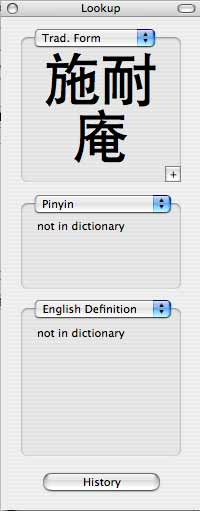
| When you use the services menu to "Quick Lookup" a character that is not in the dictionary, you can click the "+" button below the character to add it to the dictionary. |

|
| After adding the character, you can edit the fields associated with the character. |
|
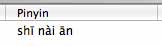
| For pinyin, just add the tone number after the pinyin, and separate each word with a space. To properly enter an umlaut put a colon after the u. So, for woman type "nu:3". After Yazi is restarted, text will display properly. |
This software is provided without warranty implied or otherwise.
Last modified: